We can't find the internet
Attempting to reconnect
Something went wrong!
Attempting to reconnect
Analysis Summary
Worth Noting
Positive elements
- This video provides a clear, concise visual guide on how to customize a digital kanban-style board within the Fizzy application.
Influence Dimensions
How are these scored?About this analysis
Knowing about these techniques makes them visible, not powerless. The ones that work best on you are the ones that match beliefs you already hold.
This analysis is a tool for your own thinking — what you do with it is up to you.
Related content covering similar topics.
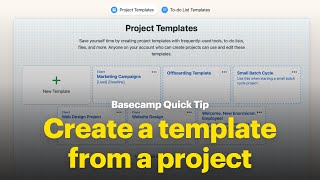
Create a template from a project – don't start from scratch!
37signals

Basecamp Groups – @ mention multiple people at the same time
37signals

Access Fizzy in one click with the Progressive Web App (PWA)
37signals

Add countdowns for stuff you're excited about in HEY Calendar
37signals

HEY Snippets – Stop typing the same email over and over again!
37signals
Transcript
This is a Fizzy board and there are three columns to start Not Now, Maybe, and Done. You likely wanna track your work through more stages, so let's add those. Click the plus sign and add columns. Use the three-dot menu to rearrange them or make edits. New cards are added to the Maybe column, and you can decide what stays and what goes. When you begin to work on a card, track its progress by dragging it to the next stage of your workflow.
Video description
Instantly see the status of your cards with columns. By default, boards start with three columns — NOT NOW, MAYBE?, and DONE — but you can add columns to customize the workflow for your Fizzy Board. Check it out at fizzy.do.